VEED is a browser-based video editor built for people who don’t want to learn Premiere. You upload a clip, generate subtitles in seconds, translate it, and export vertical cuts for social — all in the tab.
What is VEED?
VEED is a London-founded startup (acquired by Bending Spoons in 2024) that runs entirely in the cloud. Its center of gravity is automatic subtitles and localization; the timeline editor is capable but secondary to the AI tools. Everything runs in the browser, so a Chromebook is enough.
VEED features that matter
- Auto subtitles: accurate captions in 100+ languages with a stylable look.
- AI dubbing: translate a video and keep a cloned voice.
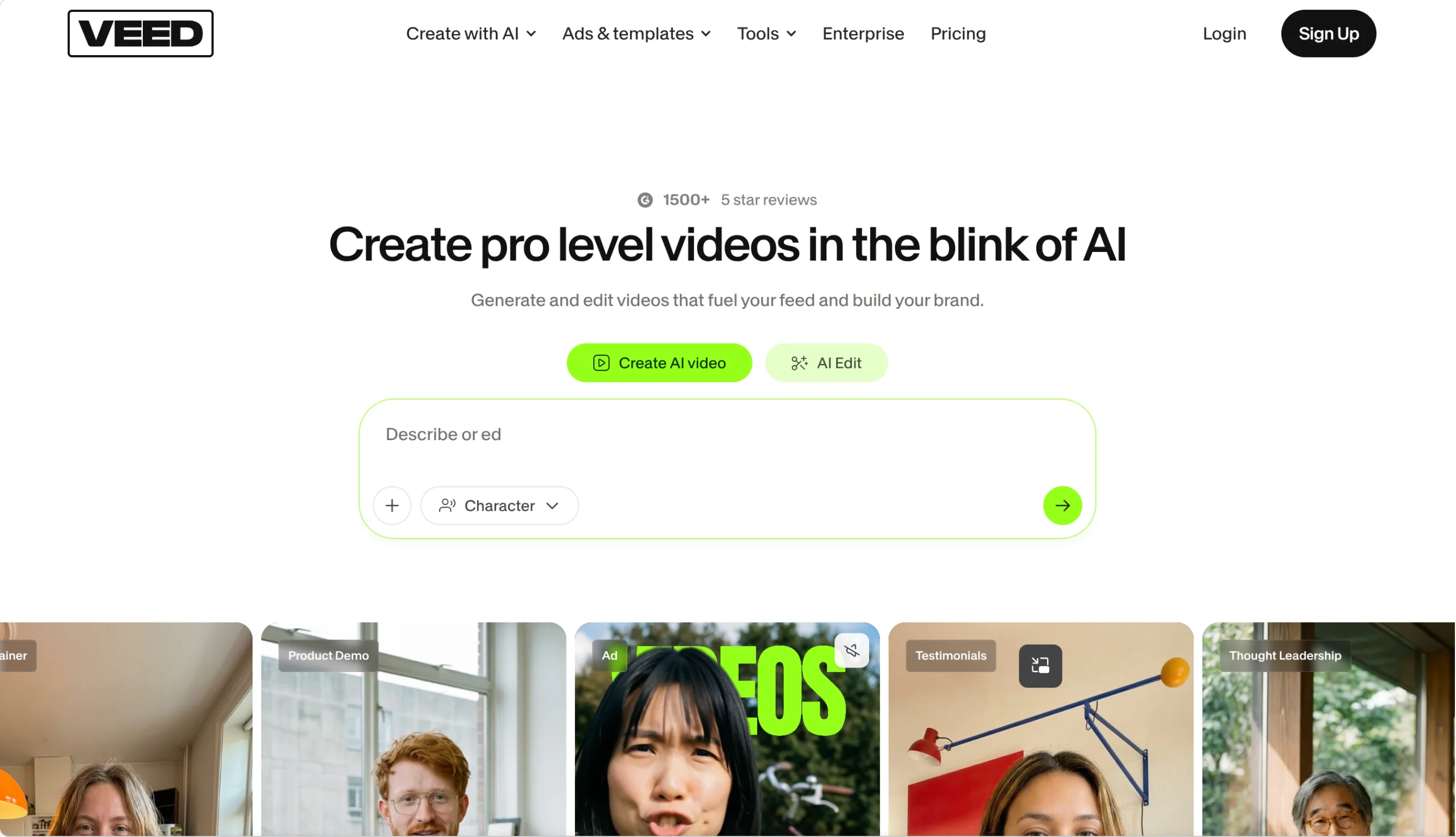
- AI avatars: turn a script into a talking-head video.
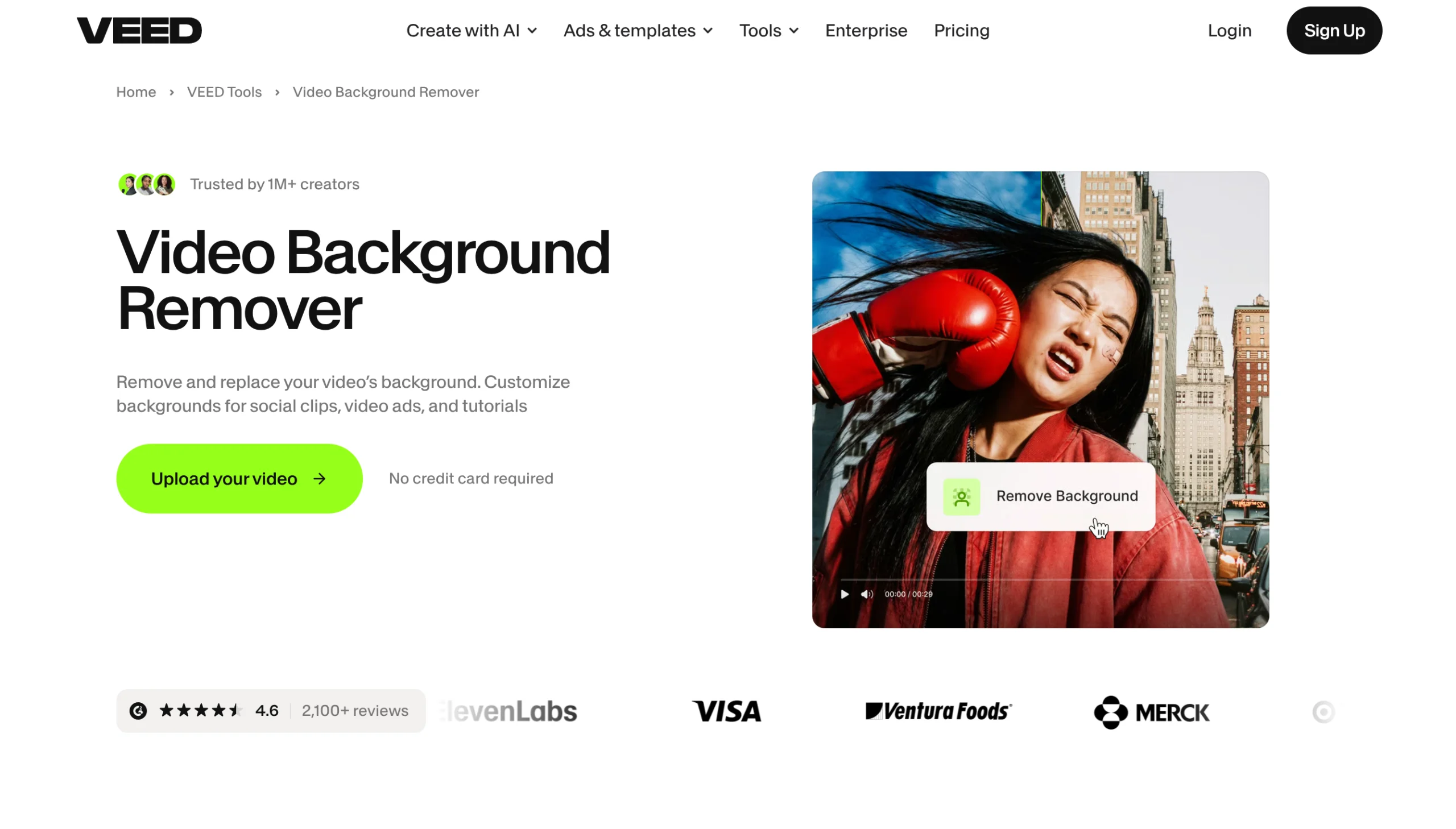
- Background removal: no green screen required.
- Templates and resizing: one clip into vertical, square and wide formats.
Product highlights
For captioning ten short videos a week, VEED is faster than almost anything else. The subtitle editor lets you nudge timing and fix text without re-uploading, which is where most AI caption tools fall down.
The free plan is genuinely limited — exports carry a watermark and upload length is capped. If your videos are longer than a few minutes, you will hit a paywall quickly. Also, long timelines in a browser can lag on older machines.
Who should use VEED
Ideal for social media managers, course creators and marketers doing talking-head content. Not the tool for colorists doing frame-accurate grading, or for editors working with hours of footage.
Common use cases
- Adding burned-in captions for TikTok and Reels.
- Dubbing a product demo into Spanish and German.
- Cutting a webinar into short clips.
- Making a training video with an avatar presenter.
- Removing a messy background without reshoots.
Pricing and limits
A free tier exists but watermarks exports. Pro starts around $19/month billed monthly (cheaper annually), and there is a separate business plan for teams. Dubbing minutes and avatar generation have their own caps per tier.
Quick Summary
- VEED is a browser video editor centered on captions and localization.
- Auto subtitles, dubbing, avatars and background removal included.
- Free plan watermarks exports; Pro starts near $19/month.
- Best for social and marketing content, not heavy editing.
- Long projects can lag in-browser on weak hardware.