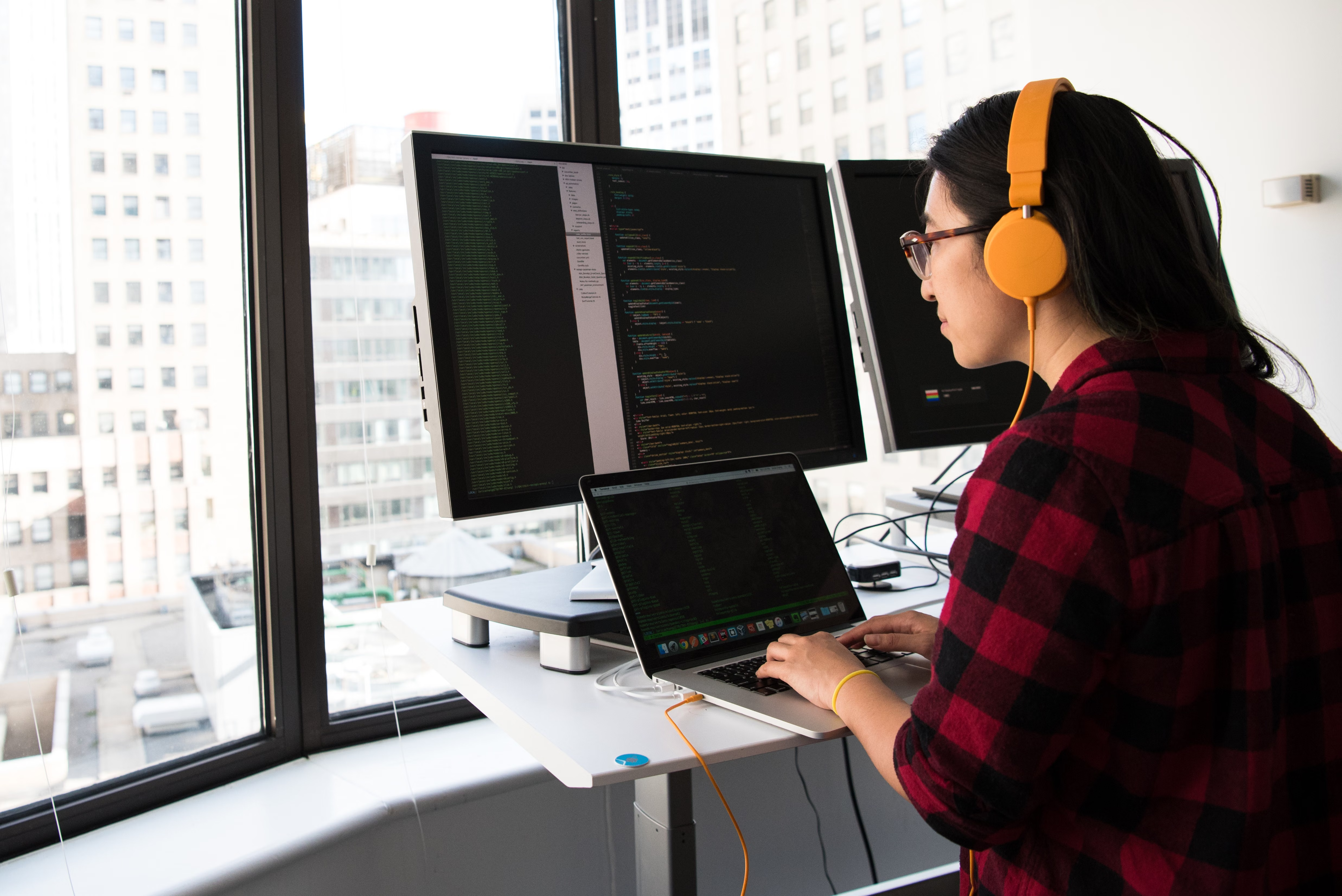
How to Debug Terminal Errors and Get Instant Command Explanations Using Warp AI
The terminal is where developers spend 30–40% of their working time, yet it remains the least assisted part of the development workflow. When a command…
 iaifeed.com

The AI-Powered Terminal That Explains Commands, Debugs Errors, and Writes Scripts Directly in Your CLI
What is Warp?
Warp is a next-generation terminal emulator designed to make the command line as productive and intelligent as modern IDEs. Built with a Rust-based GPU-accelerated renderer for blazing-fast performance, Warp’s standout feature is its integrated AI assistant — Warp AI — that operates directly within your terminal session. Instead of copying error messages to ChatGPT or hunting through Stack Overflow, you simply highlight command output and ask Warp AI to explain it, debug it, or suggest a fix. Warp AI understands your shell context, recent commands, and environment to provide targeted, actionable responses. Combined with Warp’s modern UX innovations — editable command blocks, command history with search, collaborative workflows, and IDE-like keybindings — Warp transforms the terminal from a cryptic black box into an intelligent, efficient development workspace.
Product Features
Product Highlights
Use Cases

The AI Pair Programmer That Writes, Refactors, and Explains Code in Real Time Inside Your IDE

The AI Code Completion Assistant That Accelerates Development with Privacy-First, Enterprise-Grade Autocomplete

Anthropic's Most Capable AI Model for Ambitious, Long-Running Coding and Complex Knowledge Work

Devin (formerly Codeium) is an AI-native code editor that provides deep codebase-aware autocomplete, multi-file refactoring, inline chat, and intelligent debugging…

Scale Personalized Outbound Campaigns with Multi-Source Data Enrichment

The Elite Command-Line AI Coding Agent for Direct Repository Editing
The terminal is where developers spend 30–40% of their working time, yet it remains the least assisted part of the development workflow. When a command…
Face swapping in video is significantly harder than in photos — each frame must maintain identity consistency without flickering, warping, or unnatural transitions. Most face…
Every development team has shell procedures that everyone runs but nobody documents: the deployment sequence, the debugging checklist, the database migration steps, the environment setup…