
How to Edit and Composite Video Elements with Runway’s AI Tools
Beyond generating clips from scratch, Runway offers a suite of advanced AI post-production tools. These browser-based features let you remove backgrounds, replace objects, or track motion in seconds, saving hours of tedious work in heavy desktop editing software.
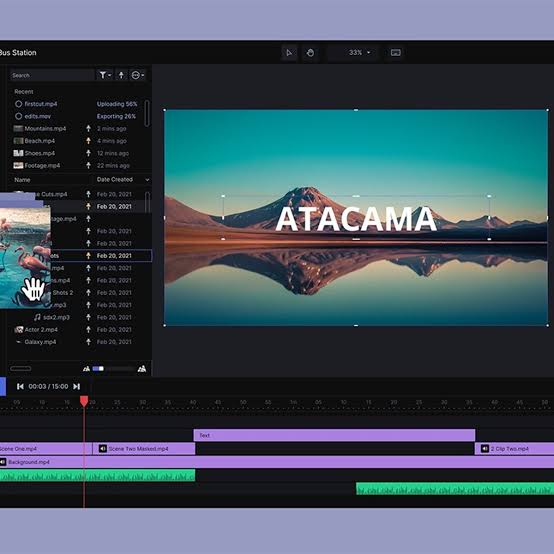
The Key Video Tools Explained
| Tool | What It Does | Best For |
| AI Inpainting | Erase and replace elements in your video clips. | Removing unwanted boom mics, background pedestrians, or branding. |
| Green Screen | Automatically masks out the subject with one click. | Isolating actors for compositing into sci-fi backgrounds. |
| Motion Tracking | Pins text, images, or elements to moving objects. | Attaching HUD graphics or speech bubbles to characters. |
