
How to Write Clean, Production-Ready Code Prompts with Claude
For software engineers, Claude (especially Sonnet and Claude Code) is incredibly skilled at understanding system architecture and writing highly optimized code. However, the quality of the generated code depends entirely on how you define your constraints, dependencies, and environment.
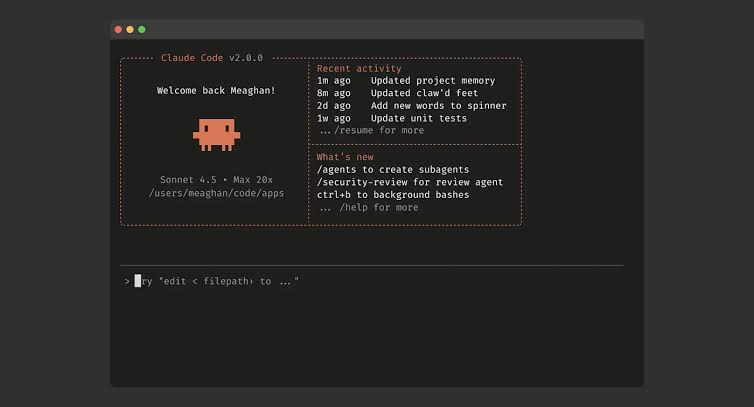
Best Practices for Coding Prompts
- Define the Tech Stack first: Start your prompt by stating your language, framework, and exact version (e.g., “Write a REST API endpoint in TypeScript using Express v4.18”).
- Provide Contextual Snippets: Paste the helper functions or database schemas that the new code must integrate with.
- Request Modular Design: Explicitly ask Claude to separate logic into distinct files or functions, and to include robust unit tests.
- Instruct on Error Handling: Never let the AI write lazy code; force it to write comprehensive
try/catchblocks and define clear error payloads.


