
How to Build a Custom GPT for Your Business Workflow
Custom GPTs allow you to create specialized versions of ChatGPT combined with custom instructions, extra knowledge databases, and API integrations. This allows you to automate repetitive business processes like copywriting, customer support, or data entry.
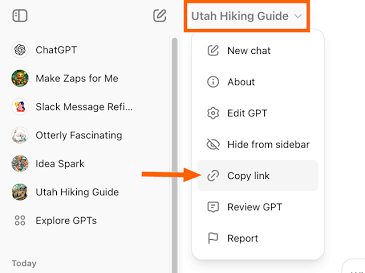
Building Your GPT Step-by-Step
- Navigate to Explore GPTs: Click “Explore GPTs” in the sidebar and select “+ Create”.
- Draft the Instructions: In the “Configure” tab, provide a clear system prompt. Use the format: “You are an expert copywriter. Your tone is warm and professional. Never write generic introductions.”
- Upload Knowledge Files: Upload your company brand guidelines, pricing structures, or FAQs into the “Knowledge” section so the AI can reference actual data.
- Publish and Share: Click “Save” in the top right corner. Select whether to make it private, viewable via link, or public on the GPT Store.
