
How to Perform Large-Scale Code Refactoring with Cursor AI
Refactoring legacy code can be terrifying, especially when you are updating design patterns or migrating databases. Cursor‘s AI-assisted composer and editing modes allow you to execute sweeps across multiple files safely, keeping your application stable while cleaning up technical debt.
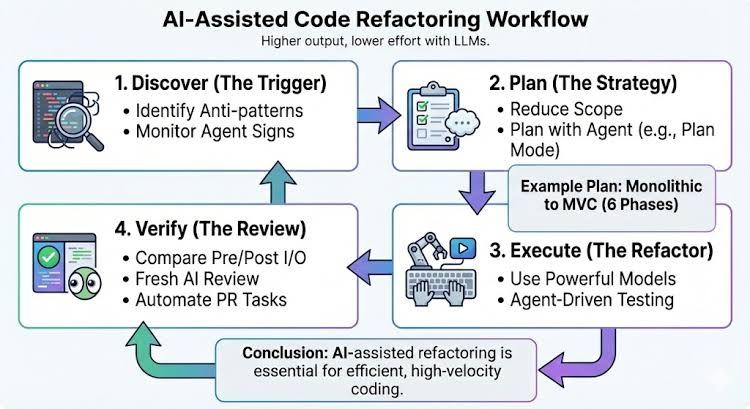
The Step-by-Step Refactoring Process
- Step 1: Use Ctrl+I / Cmd+I to open Cursor’s Composer panel.
- Step 2: Tag your relevant files. Type
@followed by the filenames of your controller, model, and routing configurations to load them into the context. - Step 3: Instruct the refactoring goals. (e.g., “Refactor this controller to use clean MVC architecture. Extract database queries into a separate service file”).
- Step 4: Review the changes side-by-side using the green and red diff highlights. Accept the changes only after running your unit tests.
